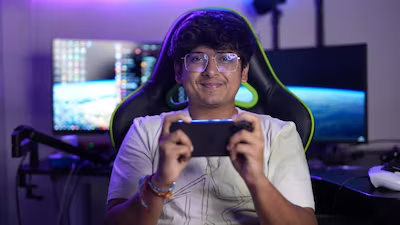

The BGMI 4-finger claw setup is a game-changer for players aiming to win more matches. Many pro players and streamers use this advanced control layout, and it can make a huge difference in your gameplay if you want to play like the best.
BGMI 4 Finger Setup Codes
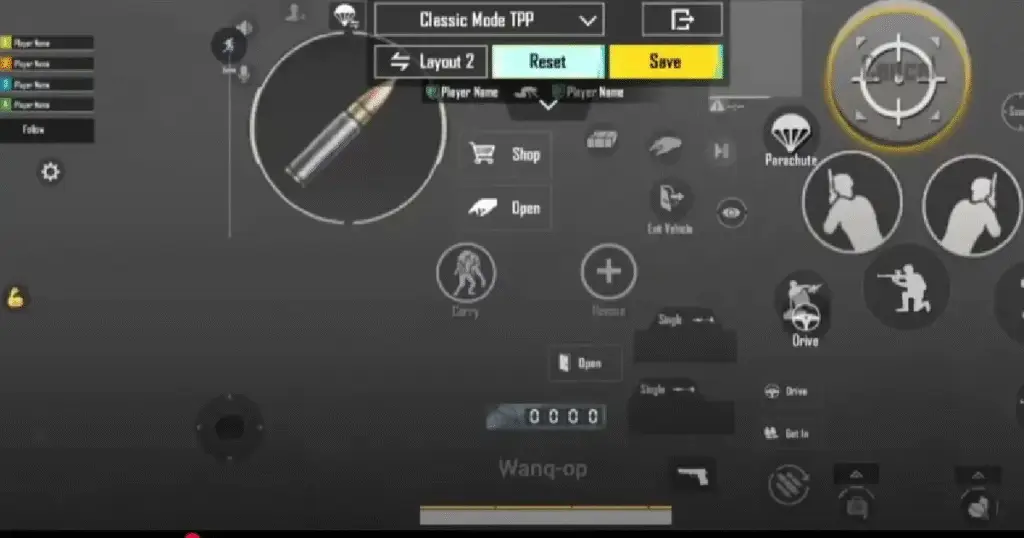
Many players struggle with finding the perfect claw settings. That’s where setup codes help. With a single code, you can import a pro-level layout into your game without adjusting everything manually. These codes save time and make it easier for beginners to shift into claw gameplay.
- Code 1: 7275-0867-5689-6145-460
- Code 2: 6295-3727-4618-5092-745
- Code 3: 8510-6724-4936-8152-390
- Code 4: 7287-8065-0627-7275-430
- KRAFTON India Kicks Off Second Edition of Its Invite-Only BGMI Esports IP, BMSD
- BGMI Redeem Codes Today, September 21 Offer Secret Legacy Backpack
- BGMI Redeem Codes September 19: Unlock the Meadows Backpack
- KRAFTON India’s Real Cricket 5.3 Update Introduces New One-Over (Six Ball) Duel PvP Mode
- BGMI Redeem Codes September 18 Offer Red Football Uniform (Wolves)
How to Apply a Custom Layout Code in BGMI
To apply these codes in BGMI, follow these simple steps:
- Open Settings: Go to the game lobby and tap on the arrow icon at the bottom right corner, then select Settings.
- Go to Controls: On the right-side menu, tap on Controls and then click the yellow Customize Buttons button.
- Find the Layout Menu: Look for the Layout icon (usually a gear or a list icon) near the top center of the screen.
- Enter the Code: Tap on the Search Method (magnifying glass) or the input box. Paste the 4-finger claw code you copied.
- Preview and Apply: The game will display the new layout for you to review. If it looks good, tap Apply (or “Swap”).
- Don’t forget to Save: Finally, tap the Save button to make sure your new controls are locked in.